
Post Menu and Details.
- First, understand what a click actually does
- The first hour, step by step
- Change the passwords that matter, in the right order
- Check what the click may have started
- Report it, and make the next one harder
- Mistakes that make it worse
- When to call a professional
- Phishing Click FAQ
Words: 1433
Reading time: ~6 minutes
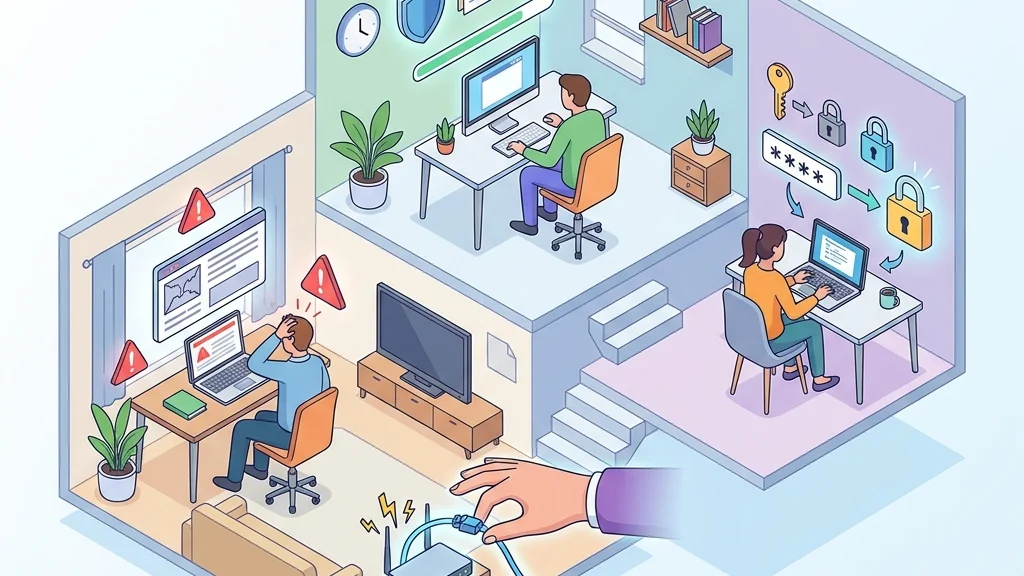
Take a breath. In the next hour, your job is to cut the link off, change the passwords that matter from a clean device, and check your money and email for anything you did not do.
The panic arrives before the facts do. So let us do this in order, slowly, with the screen in front of you.
First, understand what a click actually does
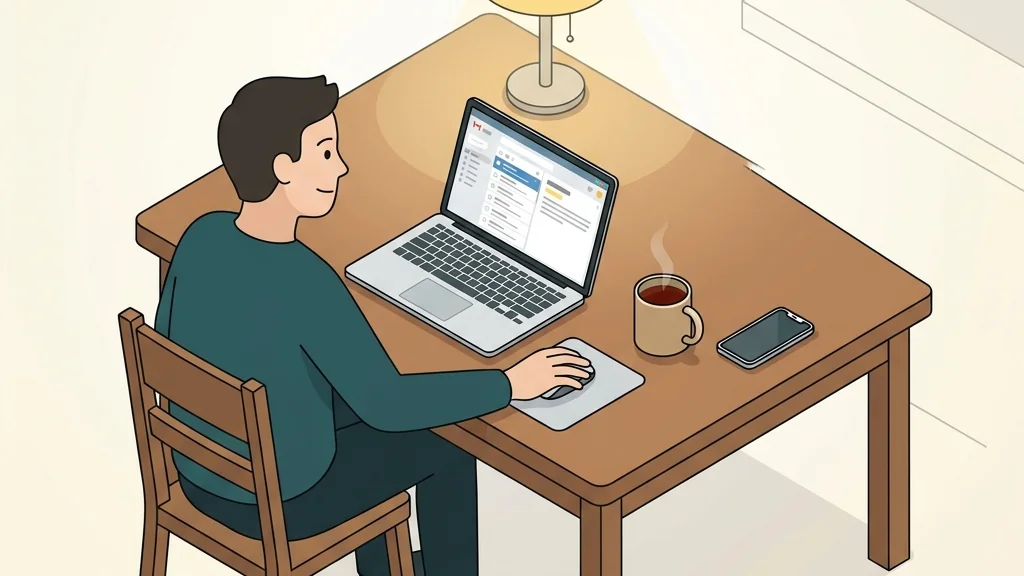
It opens a fake login page that collects whatever you type. It starts a download that may install something. Or it simply confirms to the sender that a real person reads that inbox, which makes your address more valuable for the next attempt.
You have effectively raised your hand. The fix is to lock the doors that the click might have nudged.
What matters is which of the three things happened. If you landed on a page and closed it without typing anything, you are in the mildest category. If you typed a password, you are in the next one. If you downloaded and opened a file, that is the one to treat seriously.
The first hour, step by step
Here is the sequence I would follow, in this order. Do not skip ahead to changing every password on every site before you have done step one.
- Disconnect the device from the internet. Turn off Wi-Fi, unplug the network cable, or switch on airplane mode.
- Do not type anything else into the page. If the fake login is still open, close the tab. Do not “log out” of it, because that just feeds it another password.
- Write down what you entered. Note which email address, which password, and which site the page was pretending to be. You will need this list for the next step, and memory gets fuzzy fast.
- Move to a different, clean device. Use your phone on mobile data or another computer you trust. Change the password for the account the fake page was imitating, then change the password on the email account tied to it.
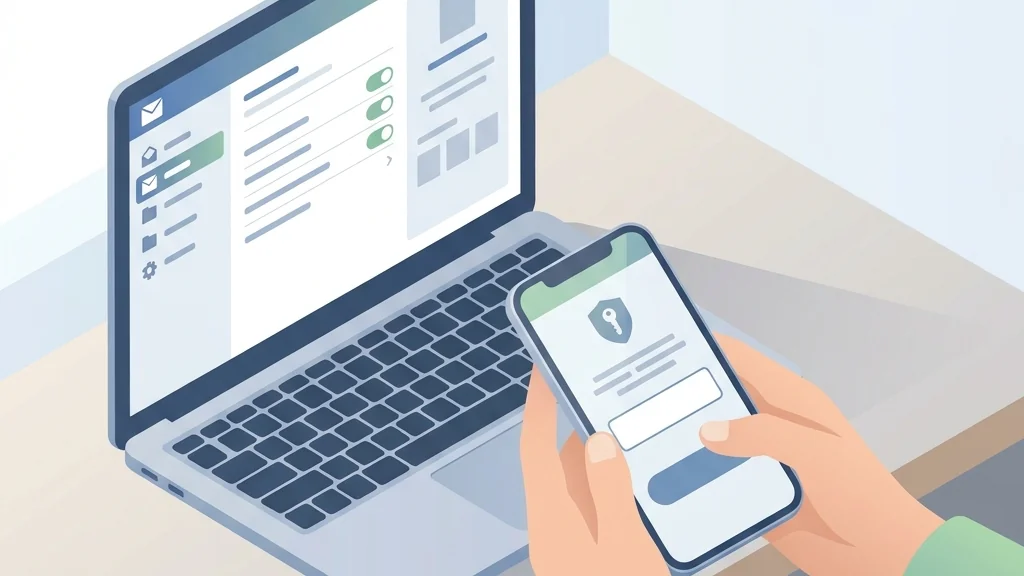
- Turn on two-factor authentication on that email account and on anything financial. Prefer an authenticator app or a hardware key over text messages where the site offers the choice.
- Check for rules, forwarding and logged-in sessions. In your email settings, look for auto-forwarding rules you did not create and sign out of all other sessions.
- Report it, then reconnect the first device and run a full scan before you use it for banking or email again.
That is the whole hour. Everything after this is follow-up, and follow-up is where people either relax too early or worry for a week about nothing.
Change the passwords that matter, in the right order
Order matters because one password unlocks the rest. So email first, always.
Then the money. Banking, payment apps, anything with a card stored on it. Then the accounts that hold your identity or your work, such as cloud storage and social profiles. The old forum you have not visited since school can wait until tomorrow.
While you are in each account, look for the “signed-in devices” or “active sessions” page. Sign out everything you do not recognise, and sign out everything you do recognise too, then sign back in yourself. It is a blunt move and it works.
One more thing on that list. If the fake page was imitating a crypto exchange, contact the exchange through its official support channel immediately and follow its incident-response guidance. Our walkthrough of a fake Coinbase alert and how to verify it covers the specific checks for that kind of message.
Check what the click may have started
If you downloaded a file and opened it, treat the device as suspect until you have scanned it. Run the built-in security tool first, then a reputable second scanner. Do not install three “cleaners” from search ads, because those ads are their own phishing problem.
Look at your browser for extensions you did not add. Remove anything you do not recognise by name.
Then check your money directly in the official app. Avoid links in emails. Look for small test transactions, new payees, or changed contact details.
If you typed a card number into the fake page, call the number on the back of the card and ask for the card to be replaced. Say plainly that you entered the details on a phishing site.
For a work laptop, tell your IT team before you start deleting things. They can check logs you cannot see, and deleting evidence makes their job harder. This is exactly the kind of signal that threat detection tools are built to catch, and your report may protect a colleague who got the same message.
Report it, and make the next one harder
Reporting takes two minutes and helps everyone downstream. In your mail app, use the “report phishing” button.
For a suspicious text message, the FTC advises forwarding it to the number 7726, which spells SPAM.
If you entered a password, change it even if you think the page looked broken. Assume it arrived.
Then do the boring hygiene that makes the next click less dangerous. Turn on login alerts, keep your recovery email and phone number current, and check that your email provider’s spam filter is actually on. The goal is that a future mistake leads to a password change and does not compromise an account.
Mistakes that make it worse
The biggest one is reusing the password you just typed into the fake page somewhere else. If you do nothing else today, fix that.
The second is clicking “unsubscribe” in the phishing email itself. Report it instead, then delete it.
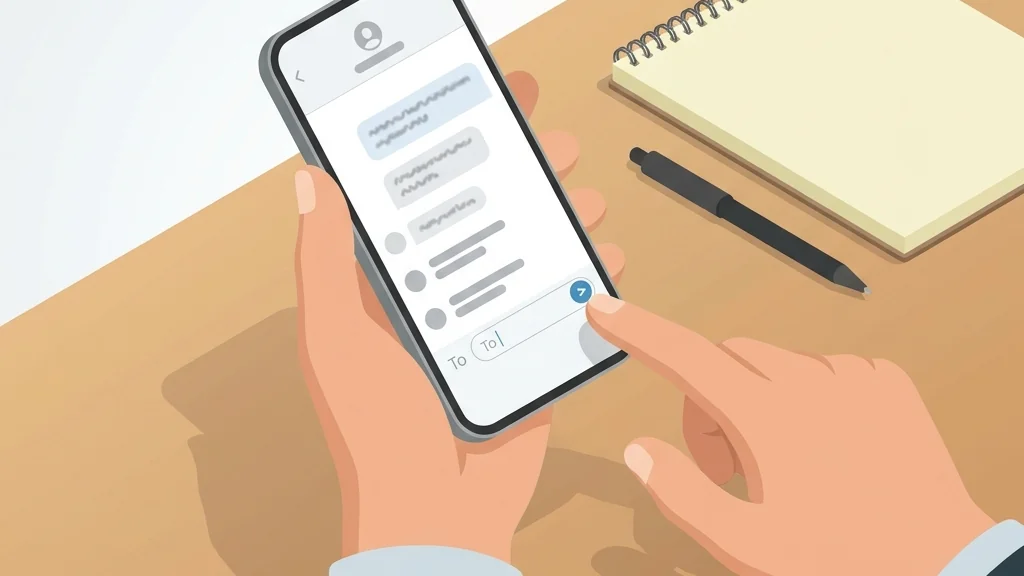
The third is believing a follow-up call. A common move is a “security team” phoning an hour later to “help you secure the account”, asking for the code you just received. Hang up and call the number on your statement or the company’s own site.
The fourth is doing all of this on the infected machine. Use the clean device for the password work, every time.
And the fifth is assuming a small click means a small risk. You are one address on a very long list.
When to call a professional
Call your bank’s fraud line the same day if you entered card details, banking credentials, or a one-time code that a caller asked for.
Call your IT or security team immediately if the device is a work machine, if you opened an attachment, or if you have admin rights on shared systems.
Consider a paid cleanup or a full reinstall if the device starts behaving oddly after the scan, with new toolbars, changed search settings, or a browser that redirects you. A full reinstall may be needed if the device keeps behaving oddly after the scan.
For a home network, changing your Wi-Fi password and router admin password is a reasonable extra step if you opened a downloaded file.
If you are running a business, the lesson belongs in a process. Our notes on improving threat detection with AI and automation are about catching these signals earlier, before one click becomes an incident. And if the message that caught you arrived over a slow connection at home, the fibre internet guide explains why a stable, patched connection supports your defence.
Phishing Click FAQ
Does clicking a phishing link infect my phone or computer?
A click can open a fake page, start a download, or confirm that your address is active. If you downloaded and opened a file, treat the device as suspect until you have scanned it.
I typed my password into the fake page. What now?
Change that password immediately from a different device, then change it anywhere you reused it. Turn on two-factor authentication on the account and on your email. Check the account’s active sessions and sign out everything, then watch for password reset emails you did not request.
Should I forward a phishing text message somewhere?
Forward it to 7726, the short code that spells SPAM, which the FTC advises for suspicious text messages. After that, delete the message and do not reply to it.
How long should I keep watching my accounts?
Watch for password reset emails you did not request and for transactions you do not recognise.
Can I get my money back if I entered card details?
Call the number on the back of your card. Do not use a number in the suspicious message.
Thank you for reading!