
Post Menu and Details.
- Why the Coinbase text scam works so well
- What a real Coinbase alert looks like
- How to verify a Coinbase alert in five steps
- The tricks scammers use to sound official
- What to do if you already replied or clicked
- When to call a professional
- Habits that keep you out of the next wave
- Coinbase Text Scam FAQ
Words: 1484
Reading time: ~6 minutes
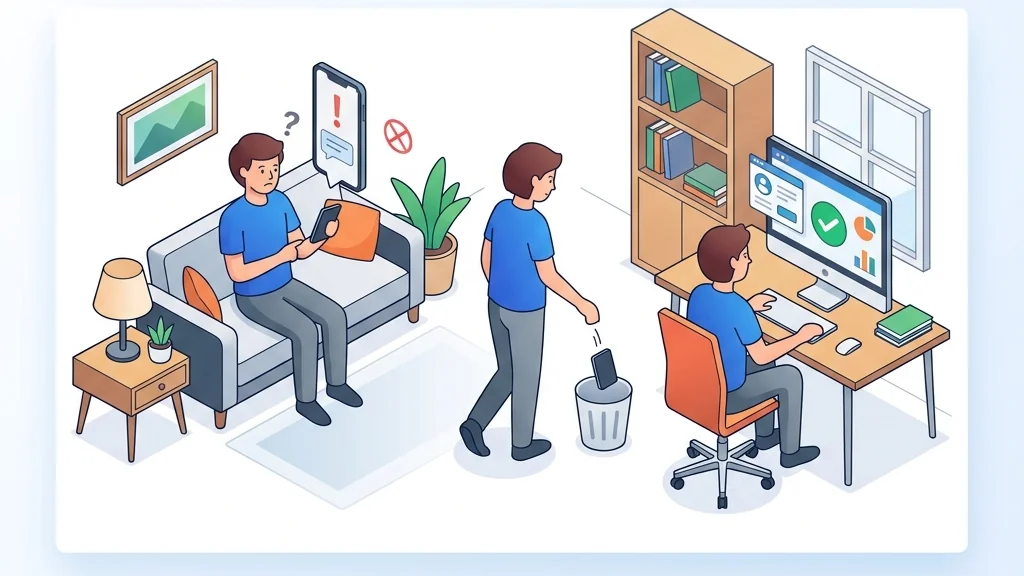
Open the Coinbase app yourself and look for any matching security activity. If anything seems off, contact Coinbase through the app or official support before acting on the text.
The texts look convincing for specific reasons, and the steps below cover what to do and when to call for help.
Why the Coinbase text scam works so well
A scam text does not need to hack anything. It just needs you to believe it came from the right place. The message usually says there is a problem with your account, a withdrawal you did not make, or a login from a new device. There is a link or a phone number, and a request to act now.
Once you are worried, you stop checking details. People who receive scam texts fall for them about 17% of the time, according to figures reported by Waka. That is roughly one in six readers, which is why scammers keep sending them.
The messages also arrive at a moment when many people are already nervous. In early 2025, Coinbase confirmed a breach in which third-party attackers obtained users’ names, emails, and phone numbers. If your phone number was in that batch, a text that greets you by name feels personal. It is not. It is a list.
Coinbase-specific scams have accounted for over $300 million in losses annually, per the same reporting. Text scams across the board cost Americans nearly $470 million in 2024, according to the FTC. At that scale, the fake alerts keep coming.
What a real Coinbase alert looks like
Coinbase does send genuine security messages. Check the app and your account’s security activity independently, and do not rely on the text’s link or phone number to tell you what is happening.
Be cautious of messages that ask you to move funds, disclose passwords or codes, or install remote-access software. If a text contains any of those, treat it as suspicious no matter how official it looks.
Watch for these signs in the message itself:
- A link with a slightly wrong domain, extra words, or a string of random characters.
- A sense of urgency with a deadline measured in minutes.
- A request to reply with a code, a password, or a photo of an ID.
- A phone number to call, where a “support agent” answers.
- A greeting that uses your name but gets other details wrong.
The name in the text proves nothing. After that breach, names and phone numbers were exactly what the attackers had.
How to verify a Coinbase alert in five steps
Do the steps in this order.
- Do not tap the link and do not call the number. Leave the message unread or open it later.
- Open the Coinbase app directly from your phone’s home screen, or type the address into your browser by hand.
- Go to your account’s security and notification settings and look for the same alert. If you cannot verify it independently, contact Coinbase through the app or the official help site.
- If you are still unsure, contact Coinbase through the support option inside the app or the official help site, never through the message.
- Forward the scam text to 7726 to alert your mobile carrier, then delete it and block the sender.
How to verify a Coinbase alert in five steps1Do not tap the link2Open the Coinbase app directly3Go to your account's security4If you are still unsure5Forward the scam textThe steps from this section at a glance.
The 7726 short code can be used to forward scam texts to alert your mobile carrier. Reporting takes seconds.
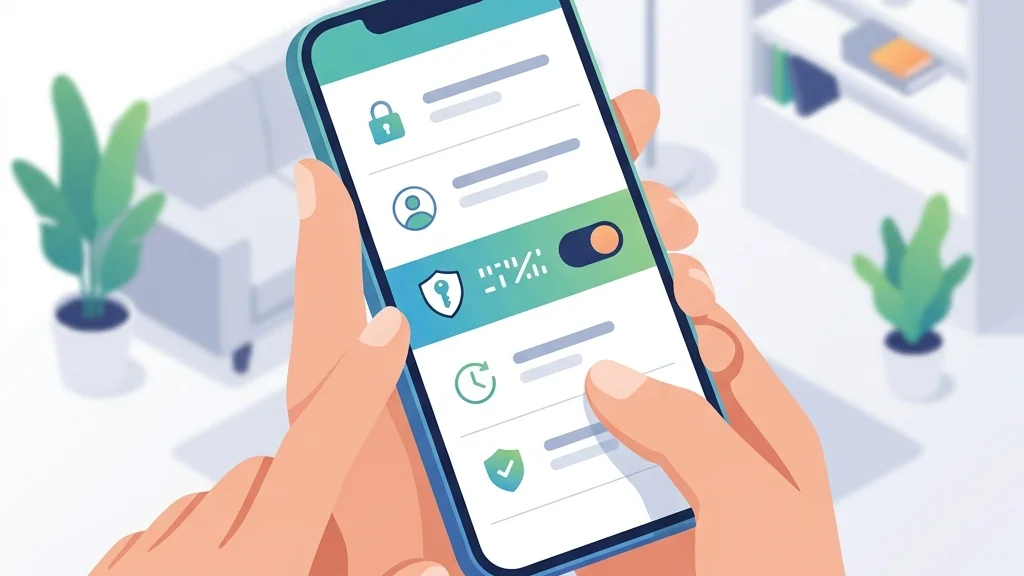
If you already tapped a link, do not panic. Change your Coinbase password from the app, turn on two-factor authentication with an authenticator app, and review your recent login activity. Then report it.
The tricks scammers use to sound official
The most common version is a fake withdrawal notice. The text says a withdrawal is pending and gives a number to call to cancel it. When you call, someone claiming to be from Coinbase’s security team explains that your account is compromised and the only fix is to move your funds to a wallet they provide. That wallet belongs to them.
Another version sends a one-time code you did not request, then follows up with a call asking you to read it back. That code is the second factor on your own account. Reading it out loud hands over the login.
A third version uses a fake “account locked” message with a link to a page that copies the Coinbase login screen. Your password goes straight to the scammer. This is the same pattern used in plenty of other phishing campaigns, and understanding the general shape of these attacks helps you spot new versions. Our guide to why cybersecurity awareness matters covers the habits that catch them.
Remote-access software is the quiet killer here. A caller asks you to install a screen-sharing tool so they can “help.” Once installed, they watch you log in and drain the account while you watch.
What to do if you already replied or clicked
Act promptly. Earlier action may limit further harm.
Change your password first, from a device you trust, and sign out of all other sessions. Then check your two-factor settings. Consider using an authenticator app or a hardware key. The service may support one or both options.
Next, review recent activity for withdrawals, new payment methods, and changed contact details. Report the incident through appropriate official channels, such as Coinbase support or the FTC. Keep screenshots of the text and any call records.
If you gave remote access, disconnect the device from the internet, uninstall the remote tool, and run a full malware scan before logging in anywhere. Then change passwords for any account you opened during that session, starting with email. Keeping the device updated and scanned regularly is part of that cleanup, as we explain in our look at the high-speed advantage of fibre internet.

When to call a professional
Most fake alerts end with a block and a password change. Call for help when money has already moved, when you gave remote access to a device that holds work accounts, or when the same number keeps reaching you after you block it.
If a crypto transfer was stolen, contact Coinbase support promptly and consider reporting the incident to the FTC. For a compromised work laptop, tell your IT team before you do anything else, because they may need to preserve logs. If you shared a password you also use elsewhere, change it everywhere it appears.
Businesses face a bigger blast radius. A single employee who replies to a fake alert can expose shared credentials, which is why security teams invest in detection tooling that flags unusual logins automatically. Our article on improving threat detection with AI and automation explains how that layer works.
Reports said the SEC dismissed its lawsuit against Coinbase in February 2025. Scammers may use current headlines in impersonation messages, so any text that references a legal development and asks you to verify your account deserves the same independent check as any other alert.
Habits that keep you out of the next wave
Treat every unsolicited message about money as hostile until proven otherwise. That includes texts, emails, and calls. The default answer is always the same: close the message and open the app yourself.
Use app-based two-factor authentication, keep your recovery codes offline, and never read a code to anyone who calls you. Legitimate support should not pressure you to follow unsolicited instructions in a message or call. Set a rule for yourself that you will not move funds, install software, or share a screen during any inbound call about your account.
Finally, slow down. The reporting says that about 17% of people who receive scam texts end up falling for them. Slowing down is half the defense.
Coinbase Text Scam FAQ
Does Coinbase ever text you about your account?
Coinbase can send security notifications. Verify any alert independently by opening the app and checking your account’s security activity. If you cannot confirm it, contact Coinbase through the app or official support before taking action.
What number do I forward a scam text to?
Forward the scam text to 7726, the short code that alerts your mobile carrier. Availability may vary by carrier.
What happens if I tap the link in a fake Coinbase text?
The link may open a page that copies the Coinbase login screen and captures what you type. Change your password from the app immediately, enable app-based two-factor authentication, and review recent login activity.
Can a scammer get into my account with just my phone number?
A phone number can help a scammer target you, but account compromise generally requires additional information or access. Switching from SMS codes to an authenticator app, where the service supports it, reduces one of the routes a scammer may attempt.
How much money do text scams cost people?
Americans lost nearly $470 million to text scams in 2024, according to the FTC. Coinbase-specific scams have accounted for over $300 million in losses annually, according to the reporting.
Thank you for reading!