
Post Menu and Details.
- What the Geek Squad scam email actually looks like
- The four red flags that give a fake renewal invoice away
- How the fake invoice turns into a real loss
- What to do when one lands in your inbox
- Why the scammers picked this brand
- What the real Geek Squad will and will not do
- When to get help, and what to hand over
- Geek Squad Scam Emails FAQ
Words: 1752
Reading time: ~7 minutes
A Geek Squad scam email is a fake renewal invoice that claims you owe money for a service you never bought. The goal is to panic you into calling a phone number or clicking a link, where a stranger then asks for your card details or remote access to your computer. A surprise renewal notice should be checked through your own Best Buy account or receipt. Do not use links or contact details in the message.
The pattern barely changes from one version to the next. The email looks official, and the script may use an alarming total, a deadline, and a request to call.
What the Geek Squad scam email actually looks like
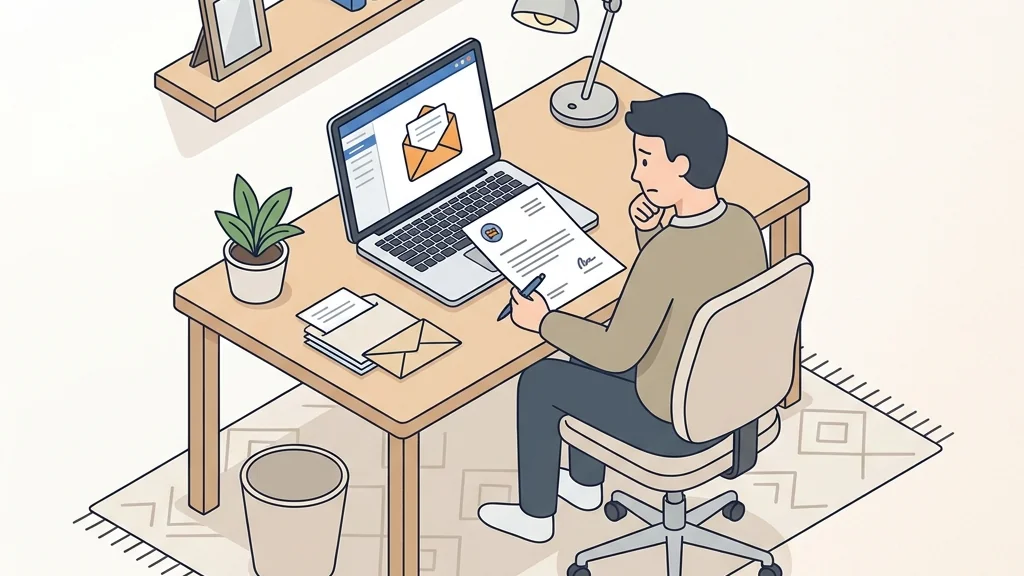
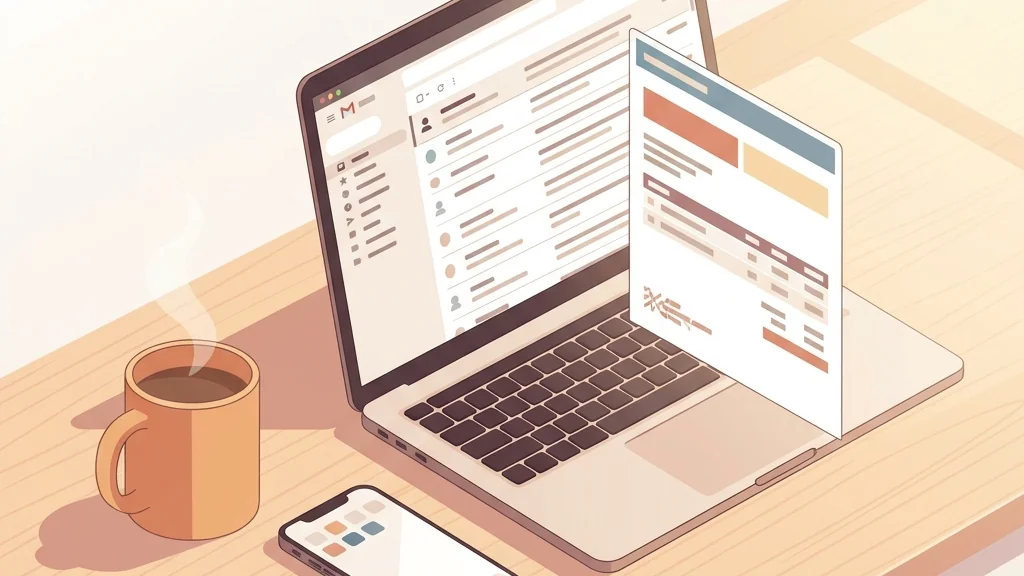
The message usually arrives as an invoice or receipt. It has a logo that is close to the real one, a fake order number, a charge for a protection plan or a tech support subscription, and a line telling you the money will be taken from your account unless you call to cancel. Some versions put the amount in the subject line so you see it before you even open it.
The branding is the trick. That familiarity is exactly what the sender is borrowing.
The email will often include a customer service number that is not the real one. If you call it, you reach a call centre that walks you through “cancelling” the charge. That is where the actual theft happens, and it has nothing to do with the invoice on screen.
The four red flags that give a fake renewal invoice away
You do not need to be a security expert to sort these out. Look for these four things to identify common versions of the scam.
- You never bought the service. If you do not remember signing up for a Geek Squad protection plan or support subscription, verify the charge through official records rather than using the contact details in the message.
- The email pushes urgency and a phone call. A genuine receipt does not ask you to ring a number to stop a charge. It just sits there as a record. Pressure to act within hours is the oldest lever in the book.
- The sender address does not match the brand. Hover over the name and read the actual address. Scammers use lookalike domains, extra words, or free mail services. The display name means nothing on its own.
- Payment or access is requested by reply. No legitimate company asks you to confirm card numbers by email, or to install a remote tool so an agent can “verify” your refund.
There is a fifth tell that catches a lot of people. The grammar wobbles, or the layout is slightly off, or the fonts change halfway down. Trust that itch. If something feels wrong about a message that claims to be about money, it usually is.
One more thing worth knowing. The scammers reuse the same template across many brands, so the wording may mention a subscription you genuinely do have somewhere else. That coincidence is not proof. It is just a numbers game played at scale.
How the fake invoice turns into a real loss
The invoice is only the hook. The theft happens in the follow-up, and it usually takes one of three shapes.
The card grab. You call to cancel, and the “agent” asks for your card number to process the refund. They now have your details and can run charges or sell them on. Some versions ask you to read back a code sent to your phone, which lets them approve a transaction in your name.
The remote access play. This is the one that worries me most. The caller offers to help you check your computer for the “unauthorised charge” and asks you to install a remote support tool. Once connected, they can see your screen, open your banking site, and move money while you watch. If you have ever wondered how a scammer gets past a password, this is how. You hand them the session.
The gift card request. A variation where you are told to settle the balance in gift cards. A request to settle the balance in gift cards confirms the whole thing is a fraud.
If you have already given remote access, disconnect the internet immediately, then uninstall the remote tool and change your passwords from a different device.
What to do when one lands in your inbox
Here is the sequence I walk people through. It takes a few minutes and it keeps you out of the trap.
- Do not click any link, open any attachment, or call any number printed in the email.
- Check your own records first. Log in to your Best Buy account directly by typing the address yourself, and look at your order and subscription history. If nothing is there, the invoice is fake.
- Report the message as phishing in your mail app, then delete it. Reporting helps your provider filter the next wave.
- If you are unsure, contact Geek Squad through the official Best Buy website or the number on your own receipt, never the one in the email.
- If you already replied or called, tell your bank and watch your statements for a few weeks.
- If you installed anything, remove it and run a full scan, then change the passwords for your email and banking.
What to do when one lands in your inbox1Do not click any link2Check your own records first3Report the message as phishing4If you are unsure5If you already replied or called6If you installed anythingThe steps from this section at a glance.
The step people skip is number two, and it is the one that settles the question. You do not need to argue with the email. You just need to look at the account it claims to be about.
For a closer look at how these fake alerts are built and how to verify one properly, the breakdown of the Coinbase text scam shows the same pressure tactics in a different wrapper. The mechanics carry over almost word for word.
Why the scammers picked this brand
Geek Squad is a recognizable technology-support brand. That combination is ideal for an invoice scam. The target does not need to be a tech person. They just need to be someone who might have signed up for something and forgotten.
Geek Squad City in Brooks, Kentucky is the largest Geek Squad computer repair site at 240,000 square feet, and the brand has been part of Best Buy since the 2002 merger. When a name appears on vans, in stores, and on TV, a fake email borrowing it looks plausible at a glance.
The company has also changed shape over the years. All Geek Squad business was moved in-house from SupportSpace on July 15, 2013. In 2016 the familiar Volkswagen New Beetle Geekmobiles began being phased out in favour of Toyota Prius Cs. The European side of the brand ended in 2017 when Carphone Warehouse adopted the Team Knowhow name. None of that matters to the scam itself, but it explains why some people are unsure what the company currently offers, and uncertainty is what a fake invoice feeds on.
If you run a small business and want to understand how detection tools fit into this picture, there is a useful overview of how enterprises improve threat detection with AI and automation. The same filtering logic protects a home inbox.
What the real Geek Squad will and will not do
This is the part that makes the decision easy. An invoice for a plan you never ordered is no reason to act on the sender’s terms.
A request to pay a surprise balance by gift card, a call out of the blue about a virus someone claims to have detected, a demand that you keep the call secret or refuse to let you hang up and verify: any of those requests is your signal to stop.
If you genuinely have a subscription and want to check its status, go to the account page yourself. If a charge appears that you do not recognise, contact your card issuer and dispute it through the normal channel.
The same rule applies to any unexpected security alert. A message that warns you about an attack on your Amazon account follows an identical pattern, and the safe response is the same. Verify inside the account, never through the link.
When to get help, and what to hand over
Most people can handle a scam email alone. You delete it and move on. There are times when it is worth involving someone else.
Call your bank the same day if you gave out card details, read back a verification code, or let a stranger connect to your computer. Speed matters more than pride here. Your bank can advise you about the card and any unauthorised charges.
Ask a family member or a technician you trust to check the machine if you installed remote software and are not confident about removing it.
Report the message to your email provider and to the appropriate cybercrime-reporting authority in your country. That step helps build the picture that gets these campaigns shut down.
What you should not do is pay anyone who contacts you offering to “clean up” after the scam. Recovery scams target people who have already been hit once, and they are just as fake as the invoice that started it.
Geek Squad Scam Emails FAQ
Does Geek Squad send renewal invoices by email?
A receipt should correspond to a purchase you recognise, and you can always see it by logging in to your Best Buy account directly. An unsolicited invoice demanding a phone call is a fraud.
What happens if I call the number in the email?
You reach a call centre run by the scammers. The person on the line will ask for your card details to process a refund, or ask you to install remote software so they can “check” your computer.
Can a scam email really take over my computer?
Only if you let it. Disconnect and uninstall if that has already happened.
I already gave them my card number. What now?
Change the password on any account that used that card, and check your statements closely for the next few weeks.
How do I check whether a Geek Squad charge is real?
Open your Best Buy account by typing the address into your browser yourself, then look at your order and subscription history. For a charge that does appear, contact the company through the official website. Do not use a number supplied in an email.
Thank you for reading!