
Post Menu and Details.
- What iPhone call screening actually does
- Turning it on, step by step
- The tuning that stops the angry phone calls
- Numbers that keep slipping through
- When tuning isn't enough
- iPhone Call Screening FAQ
Words: 1482
Reading time: ~6 minutes
iPhone call screening is Apple’s way of putting a gatekeeper in front of your ringer. When a call comes in from someone who isn’t in your contacts, the phone can quietly ask the caller to identify themselves and show you the reason before it ever rings. You turn it on in Settings, then tune it so family, delivery drivers, and your doctor still get through while robocalls go to voicemail.
I set this up on my own phone after a week of silent calls from numbers that hung up the moment I answered. The toggle took a minute. The tuning took an afternoon, because the default behaviour surprised me in a few places. Here is the whole process, in order, with the mistakes I made so you can skip them.
What iPhone call screening actually does
Apple splits this into a few separate features, and mixing them up is the first thing that trips people. The main one is Silence Unknown Callers. Turn it on and any number not saved in your contacts, recent outgoing calls, or Siri suggestions gets sent straight to voicemail without a sound. The call still shows up in your recents list as a missed call, so you can check later.
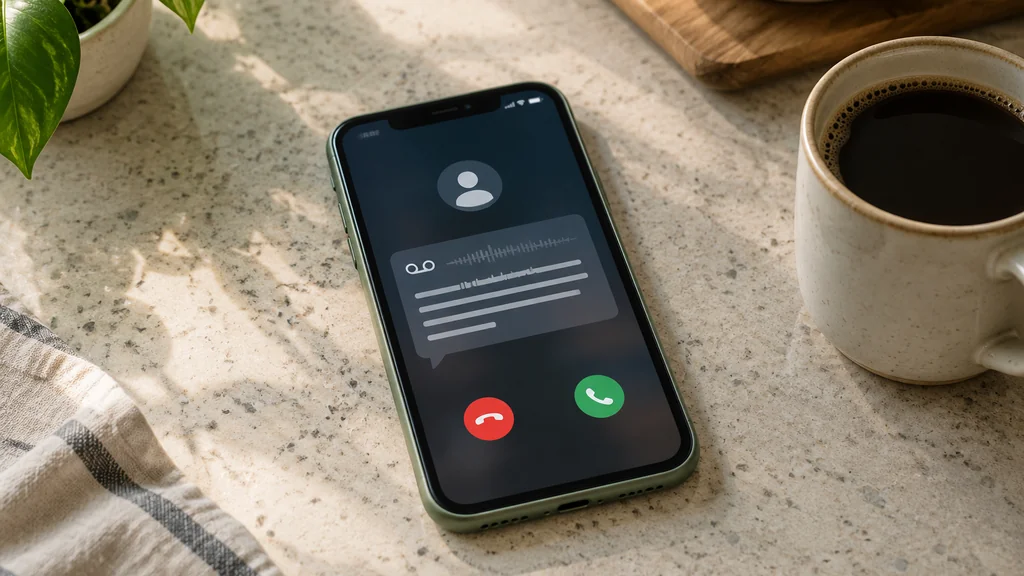
The second layer is Live Voicemail, which transcribes a message on screen as the caller speaks, so you can read it and decide whether to pick up. The third is the newer screen-and-ask behaviour in recent versions of iOS, where the phone asks an unknown caller for their name and reason before ringing you.
Each of these is a separate switch. Most confusion comes from turning on one and expecting the others to follow along. In my experience, Silence Unknown Callers does ninety percent of the work, and the rest is polish.
A word on what this is not. It doesn’t block the call, it doesn’t report the number to anyone, and it doesn’t stop the caller from leaving a message. If you want to understand what the labels under a missed call mean, the difference between an unknown caller and a flagged spam caller is explained well in this breakdown of unknown caller versus potential spam labels.
Turning it on, step by step
Open the Settings app and work through these in order. The path is the same on most recent iPhones, though wording shifts slightly between iOS versions.
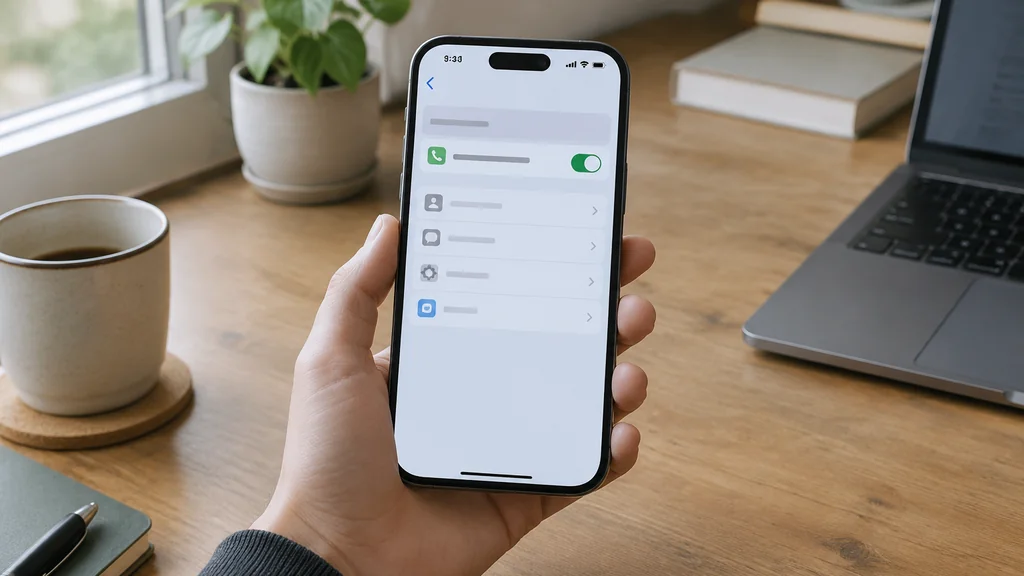
- Open Settings and scroll down to Phone.
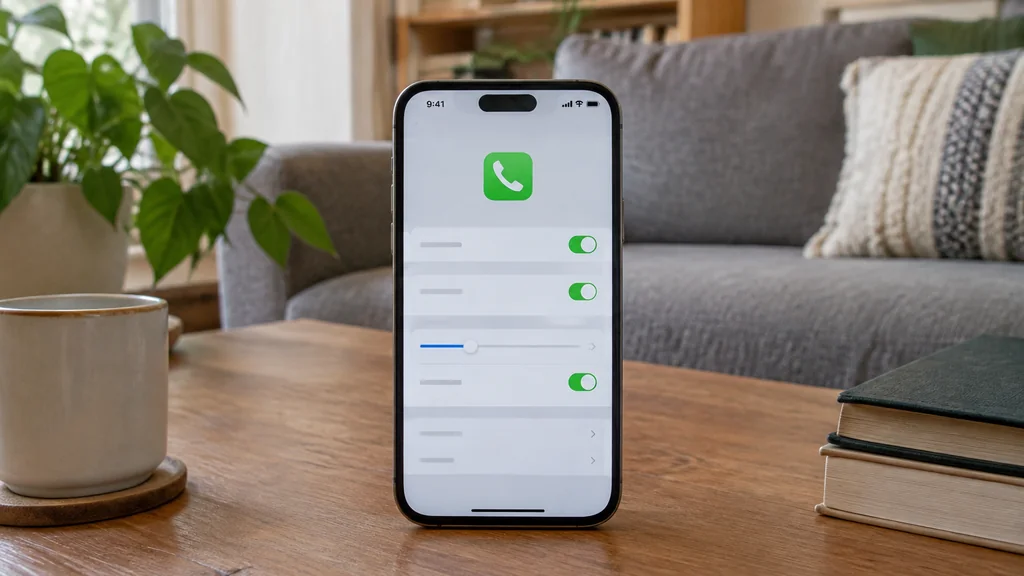
- Tap Silence Unknown Callers and flip the switch on. Read the short explanation Apple shows underneath before you leave the screen.
- Go back one level and check Silence Junk Callers, which works with your carrier’s spam filtering where supported.
- Open Settings > Phone > Live Voicemail and make sure it is on if you want to read messages as they arrive.
- Test it by calling your own number from another phone that isn’t in your contacts, and watch what happens on screen.
- Add anyone important who got caught in the net to your contacts, or call them back once so they land in your recents and get through next time.
That last step matters more than it looks. The phone treats numbers you have called recently as trusted, which is why the feature sometimes lets a stranger through and blocks a regular. You are training the filter, one call at a time.
The tuning that stops the angry phone calls
The complaint I hear most is that someone’s own mother got silenced. Usually the mother is calling from a landline or a work phone that was never saved as a contact. The fix is simple. Add the number, or call it once from your iPhone so it counts as a recent outgoing call.
If you run a small business from your phone, think carefully before enabling Silence Unknown Callers on that line. New customers are, by definition, unknown callers. On my second phone I leave it off and rely on carrier spam filtering instead, which flags suspicious numbers without hiding genuine ones.
For landline-style habits, check whether your carrier offers a spam label service and whether it feeds into the iPhone’s call identification. Carriers in the US, the UK, and much of Europe push these labels through, and they show up under the number on the incoming call screen. You can read more about where those labels come from in this guide to tracing a no caller ID number, because the same data sources drive both features.
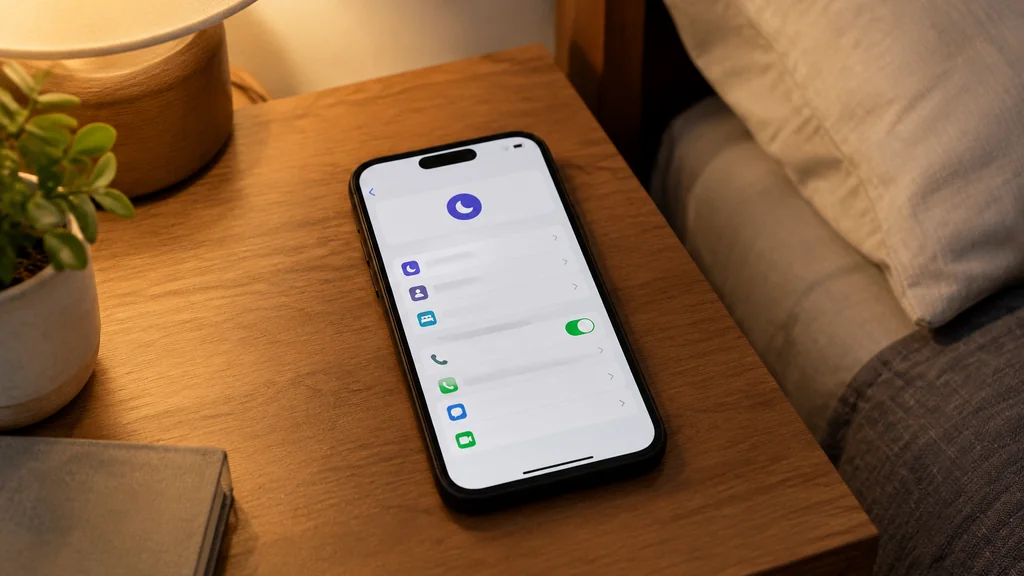
One more adjustment worth making is the Do Not Disturb schedule. If Do Not Disturb is set to silence everything except favourites, and your plumber isn’t a favourite, he will go to voicemail at the exact moment you need him. Check Settings > Focus > Do Not Disturb and allow calls from contacts or favourites, whichever suits you.
Numbers that keep slipping through
Some calls still ring even with everything switched on. Here is why, in rough order of how often I see it.
- The number matches a contact, even a contact you saved by accident years ago.
- You called the number back at some point, so it sits in your recents as trusted.
- Siri found the number in an email or a message on your phone and suggested it.
- The call arrives over a data connection through an app rather than the normal phone network.
- Your carrier’s filter passed it through because it looks legitimate.
That last one is the frustrating category. Spoofed numbers imitate real area codes, and no setting on the phone can tell a fake local number from a real one on the first ring. For calls that arrive with no number at all, the options are different, and this guide to How to Call on No Caller ID: A Practical Guide covers what happens on the caller’s side. If the calls are persistent and targeted, the practical move is to block the number after the first one and let the carrier’s filter learn.
The email and message angle catches people out more than it should. If a plumber emailed you a quote from his mobile, Siri may treat that number as known, and the phone will ring. That is a feature working as designed, even when it feels like a leak.
When tuning isn’t enough
There are situations where the phone settings can’t help and you should stop fiddling. If a caller is harassing you, or the calls come from a person rather than a bot, the right step is your carrier’s nuisance call team or the police non-emergency line in your area. Keep a log of dates and times, because they will ask.
If you have an older iPhone running an iOS version that predates Live Voicemail, the screen-and-ask behaviour simply isn’t there. Check Settings > General > About to see your version before you conclude the feature is broken. Apple’s support pages list which features arrived with which release, and your carrier can confirm what is supported on your plan.
And if you are locked out of the account tied to your phone and can’t get the verification call at all, that is a different problem with its own long guide on recovering a Gmail password without a phone number, so start there rather than resetting your call settings.
iPhone Call Screening FAQ
Does call screening block the caller or just silence them?
It silences the ring and sends the call to voicemail. The caller hears a normal voicemail greeting and can leave a message. You will see the missed call in your recents list, so nothing disappears entirely.
Why did my iPhone stop ringing for calls from people I know?
The usual culprit is Silence Unknown Callers combined with a contact saved under a different number, or a Focus mode that silences everything except favourites. Check both, and add the person as a favourite if you want them to ring through every time.
Can I turn call screening on for only some contacts?
Not directly. The feature works on unknown callers as a group. The workaround is to save the people who must reach you as contacts or favourites and let the filter handle everyone else.
Does this work on an iPhone without a SIM card?
The settings are still there, but call filtering only matters when calls actually arrive. On a phone used only over Wi-Fi with an app, the filter has nothing to do. Check the app’s own notification settings instead.
Will Live Voicemail use my mobile data?
It uses your normal connection, whether that is Wi-Fi or cellular data. If you are on a limited plan abroad, check the carrier’s roaming terms before relying on it, since transcription happens on the phone but the call itself still travels the network.
Thank you for reading!