
Post Menu and Details.
- Why these two logins attract fake pages
- The one check that catches almost every fake
- Step by step: signing in safely
- Setting up bookmarks and the app so you never guess
- What a phishing message actually looks like
- When your login fails and it is not a scam
- Habits that keep every account safer
- Fortiva and MetLife login FAQ
Words: 1460
Reading time: ~6 minutes
The safest way to reach either account is to type the address yourself or open the official app, never a link from an email or text. Before you enter a password, check that the address bar shows the real domain and the padlock, and close the page if anything looks off. Most phishing succeeds because someone taps a convincing link, so the habit of starting from a known place does more than any add-on.
Why these two logins attract fake pages
Fortiva and MetLife both handle money and personal data, which is exactly what a phishing page wants. A fake sign-in form can look identical to the real one, because copying a page is easy. The difference lives in the address bar, and that is where your attention needs to go.
The trick works because the page arrives at a stressful moment. A message says your statement is ready, your card is locked, or your account needs “verification.” You are already worried, so you click and type. The page then passes your password to the real site and shows you a normal error, and you never notice anything happened.
Both are financial services brands whose names are widely recognised. That recognition gives scammers a huge pool of people to message. None of this means the companies did anything wrong. It means the name is recognisable, and recognisable names get copied.
The one check that catches almost every fake
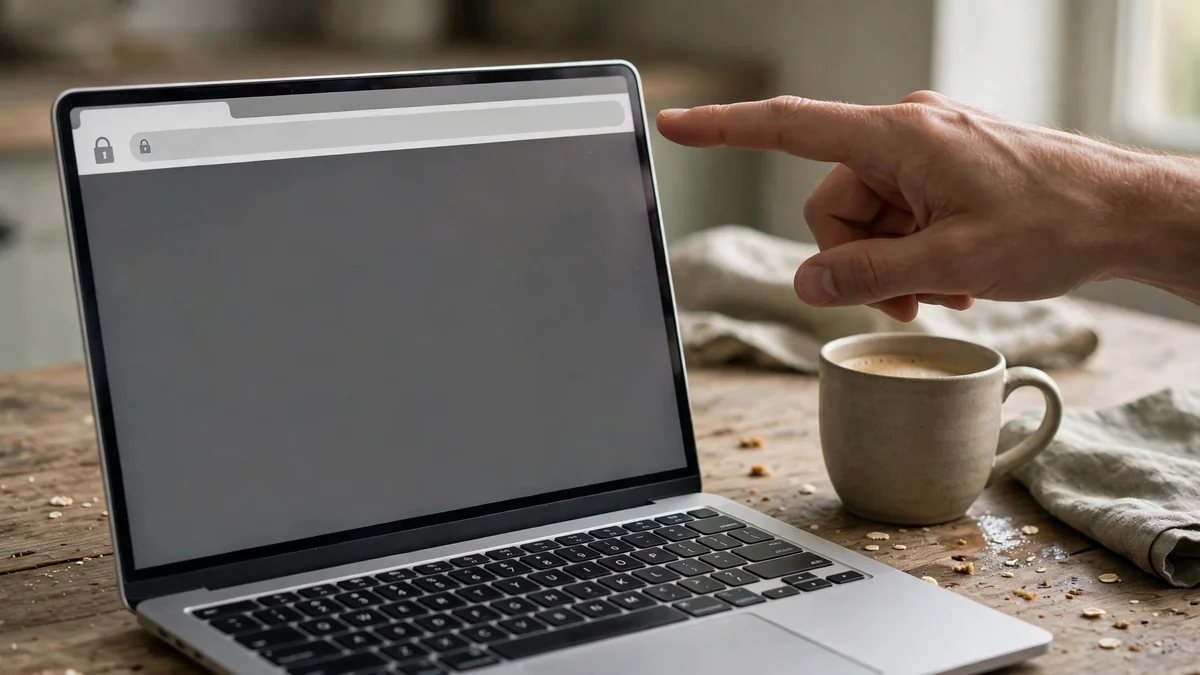
Look at the address bar before you type anything. The real domain ends in the company’s own name, and everything before that final part is just a subdomain a scammer can fake.
Read the address from the right side. In a real address, the part just before the first single slash is the actual site. A page at something like metlife.com.account-check.example is not MetLife, no matter what the start of the address says. The true domain is the piece right before the slash.
Two more signals are worth a glance. A padlock means the connection is encrypted, and it does not mean the site is honest, because anyone can get a certificate. A page that asks for your password and then your one-time code together, on the same screen, deserves suspicion.
Step by step: signing in safely
- Close the email or text that prompted you. Do not use its link, even to “check.”
- Open a fresh browser window, or the official app from your phone’s app store.
- Type the address yourself, or use a bookmark you saved earlier.
- Confirm the domain in the address bar matches the company before typing anything.
- Enter your username, then your password on the next screen if the site asks for them separately.
- If a one-time code is requested, enter it only on the same page where you typed the password.
- When you finish, sign out on shared devices, and check your statement for anything you do not recognise.
If you already clicked a link and typed your password, change it from a device you trust, then call the number on your card or statement. Speed matters more than pride here.
Setting up bookmarks and the app so you never guess
A bookmark removes the guessing. Sign in once from a typed address, confirm the page is genuine, then save it. From then on, the bookmark is your front door, and any login link that arrives by message is ignored by default.
The app is the other safe route. Install it from the Apple App Store or Google Play, not from a link in a message. A message that offers an app download is one of the oldest tricks there is.
For email, turn on the habit of hovering over a link before tapping it on a computer, which shows the real destination. On a phone, press and hold the link to preview the address. If the preview shows a domain you do not recognise, stop.
What a phishing message actually looks like
The message is usually short and urgent. It names a real concern, like a payment, a statement, or a security alert, and gives you one button. The sender address may look close to the real one but not exact.
Common giveaways include a greeting with no name, a threat of closure within hours, a link that goes to a domain you have never seen, and an attachment you are told to open. Real companies do send alerts, so the message alone is not proof of fraud. The link is the part that decides it.
If you are unsure whether a message is genuine, contact the company through a channel you found yourself. That habit also helps with other accounts, and the same approach works when you are reporting Social Security fraudsters through the official hotline and form, where the first step is always reaching the agency directly.
When your login fails and it is not a scam
Sometimes the page is real and the password still will not work. Caps Lock, an old saved password, and a browser autofill entry from a previous account cause most of these. Try typing the password by hand once before you reset anything.
If a reset email does not arrive, check the spam folder and any secondary address on the account. A reset link that leads to a domain you do not recognise is a phishing page wearing the reset costume, so type the address yourself instead of following it.
Repeated failed attempts can lock an account for a while. That is a safety feature, and waiting usually clears it. If you need to reach a person about a compromised credit file, the same careful approach applies when you use the Experian contact number to reach a real person about fraud, and you should dial a number you looked up yourself.
Habits that keep every account safer
A password manager solves two problems at once. It fills the password only on the exact site it was saved for, so a lookalike domain gets nothing. It also lets you use a different password everywhere, which limits the damage when one site leaks.
Turn on two-factor authentication wherever it is offered. A code from an app is stronger than one sent by text, though either is better than nothing. Never read a code aloud to someone who calls you, because no real support agent needs it.
Keep the recovery email and phone number on each account current. An old address you no longer control is a door someone else can walk through. Reviewing those details once a year takes a few minutes and closes a gap that is easy to forget.
For a wider view of how these tools fit together, this guide to using technology to improve your financial health covers the account and alert settings that pair well with safe sign-in habits.

Fortiva and MetLife login FAQ
Is the Fortiva login page the same as the MetLife one?
No. They are separate services with separate addresses and separate credentials. A page that claims to sign you in to both at once is not genuine. Go to each one from its own typed address or its own app.
How can I tell a real MetLife login page from a fake one?
Read the domain in the address bar from the right. The real name sits just before the first slash, and anything extra in front of it is a subdomain that can be faked. If the address does not match what you expect, close the tab and start again from a typed address.
What should I do if I already entered my password on a phishing page?
Change the password on that account from a device you trust, and change it anywhere you reused it. Then contact the company using the number on your card or statement. Watch your statements for a few weeks, since a stolen login is often used later rather than at once.
Do I need to worry if the page had a padlock?
A padlock only means the connection is encrypted, and scammers can get certificates too. Treat it as a small signal and rely on the domain instead. A padlock on a strange address is still a strange address.
Can I log in safely from a public network?
Yes, as long as you reach the site by typing the address or using the app, and you avoid networks that ask you to install anything before connecting. Sign out when you finish, and skip the login entirely if the device belongs to someone else.
Thank you for reading!